> For the complete documentation index, see [llms.txt](https://docs.playa3ull.games/llms.txt). Markdown versions of documentation pages are available by appending `.md` to page URLs; this page is available as [Markdown](https://docs.playa3ull.games/dapp/my-account/referrals.md).
# Referrals
Earn rewards by inviting others to join PLAYA3ULL GAMES!
PLAYA3ULL GAMES Referrals
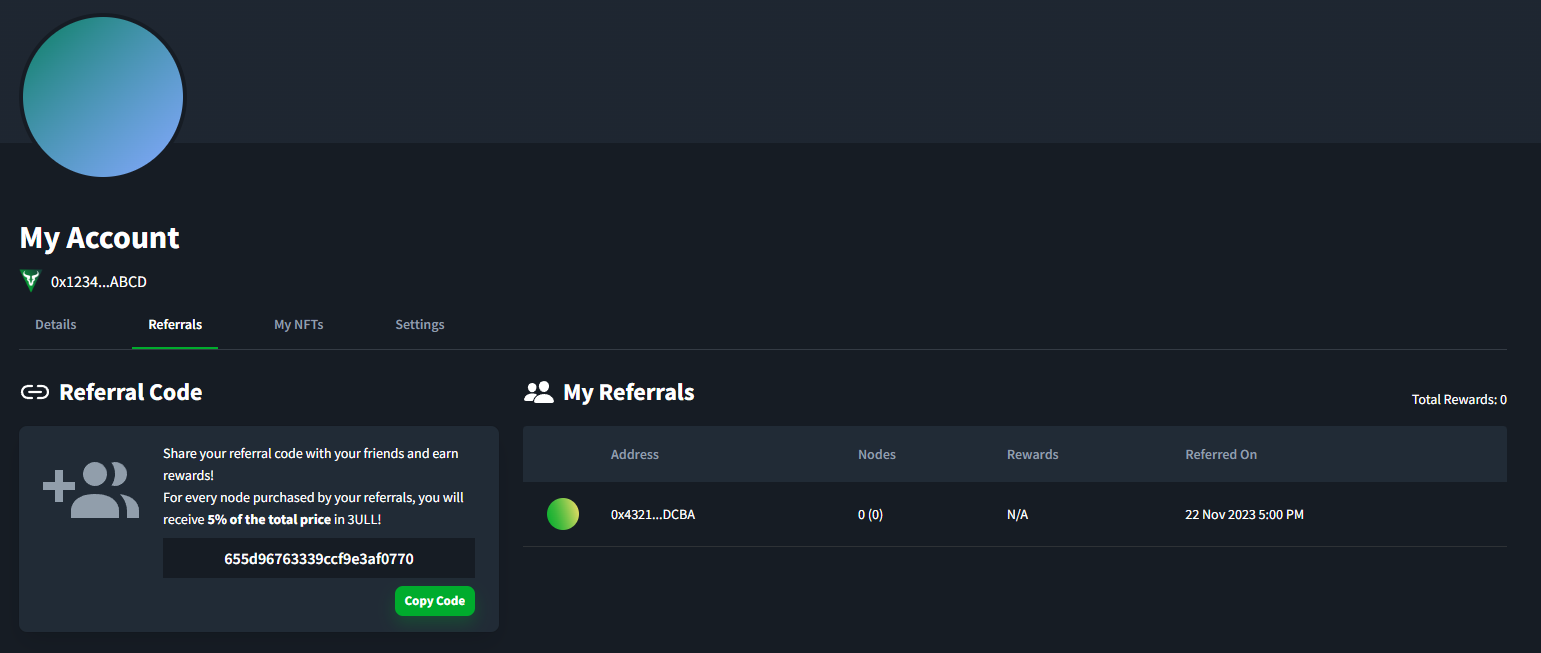
The PLAYA3ULL GAMES referral program allows users to invite their friends and family to join the ecosystem by logging into the dApp with their wallet after having used a referral code. Referred users who purchase a node or nodes will allow the referrer to receive 5% of the total purchase price of the nodes, paid in 3ULL as a reward.
### Referring a user
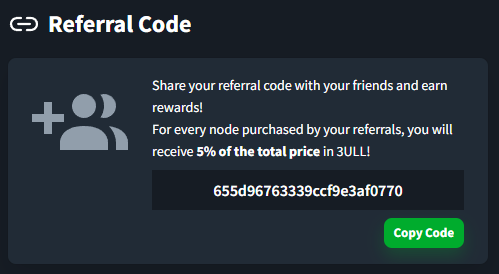
Referring a user is super simple, all you need to do is copy your referral code by clicking the "Copy Code" button under the **Referral Code** section, and share that code to whomever you wish to invite.
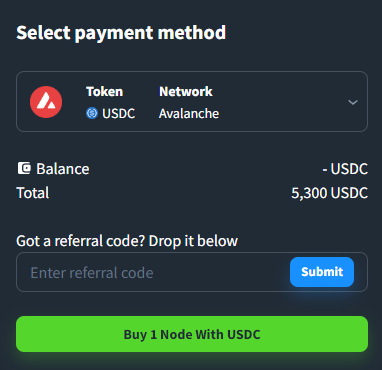
The user you are referring may then enter that code into the field before purchasing a node, as seen below:
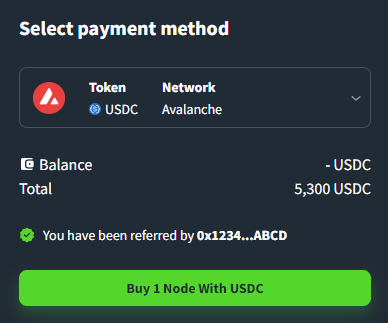
Once a user has used your referral code, they will be added to your account as a referral, and can be seen immediately on your referral table, and for the user you referred:
### Receiving rewards
To receive your rewards for referring users, you... Don't need to do anything at all! If you're eligible you'll automatically receive your rewards. You an view your total rewards in the **My Referrals** section.